Browser game · Open world
Taipei GTA: play the Taipei open-world game in your browser
Taipei GTA is the English name this site uses for 《臺北狂飆》 / TAIPEI RUSH, a bilingual open-world Taipei that runs in a browser tab. The build we checked ships 46 Taipei location modules and 15 Hong Kong ones, five weather states, an MRT network and a police pursuit system, and it was written by the developer who publishes as aicodewithme (build 551b5d311e99). Open the official game in a new tab with the button below. This guide stays here; the game cannot run inside this page.
- 46 Taipei locations
- Five weather states
- Police pursuit
- MRT travel
- No download

Themed artwork, not a game screenshot
Official entry checked 2026-11-09. This guide uses the earlier build 551b5d311e99; the current game may differ. Follow its on-screen controls.
- How you play
- In the browser
- Genre
- 3D open world
- Controls
- Keyboard · Gamepad · Touch
- Languages
- Traditional Chinese / English
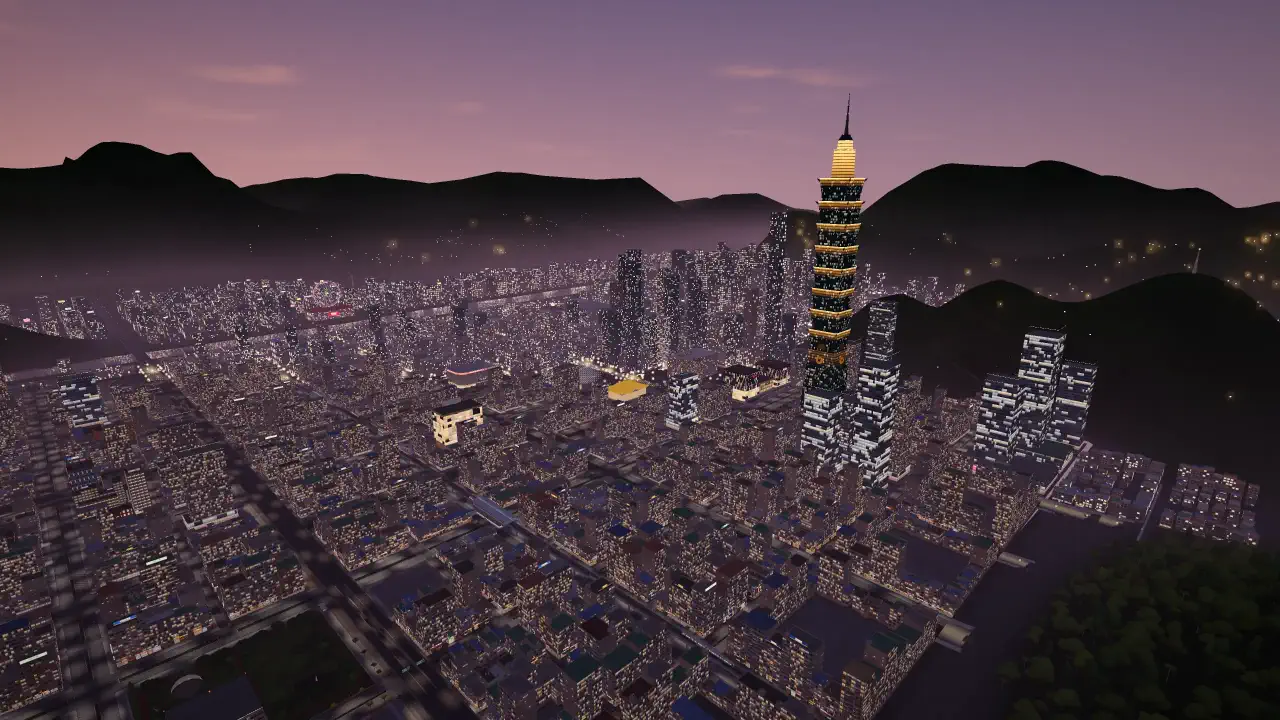
Open the official game in a new tab with the button below. This guide stays here; the game cannot run inside this page. Controls.
What is Taipei GTA?
It is a 3D open-world browser game set in a condensed, fictional Taipei, shipped in two languages: Traditional Chinese (the default) and English. The build we examined loads its world in named stages — streets, buildings, landmarks, districts, culture, transit, vehicles, traffic, pedestrians and police — and it reads real Taipei place names out of 46 separate location modules, alongside 15 more for a Hong Kong map. Weather cycles through five states: clear, cloudy, rain, storm and fog, and the game notes that rain makes the roads slippery.
Around that world sit the systems you actually steer: scooters and cars, an MRT that fast-travels you across the city, an in-game phone that hands out jobs, a wanted meter with a police pursuit that escalates and decays, story chapters that unlock as you play, and a photo mode. Missions are not a fixed public list — the build registers them at runtime, so the total depends on the session. Where that matters, this site says so rather than inventing a number.
How to start playing
-
Start the game
Press the play button above. The build downloads in the background and shows its own loading stages, so give it a moment before you judge the black screen.
-
Click once inside the game, then use the keyboard
Browsers send keystrokes to the page you last clicked. If W and A only scroll the article, click the game area first.
-
Walk before you drive
Move with W, A, S and D and look around with the mouse. Find a scooter or a car, stand next to it and press F — gamepad users press Y instead.
-
Open the map and pick something close
M opens the map and sets a destination. A short trip teaches you more than a long one, because you can still see where you are.
-
Take a mission from the phone
T opens the phone, where jobs and the metro live. Missions are registered by the game as it runs, so read the prompt on screen: the build, not this page, decides what counts as done.
The keys you should know before anything else
A handful of keys cover most of the game. Everything else is convenience. The full set, including the touch layout and the gamepad notes, lives on the controls reference page.
| Action | Key | When |
|---|---|---|
| Move the character | W+A+S+D | Explore on foot and line up with anything you want to touch. |
| Look around | Mouse | Swing the camera and set the direction you are facing. |
| Sprint | Shift | Cross an open stretch faster — it does nothing while driving. |
| Jump | Space | On foot this jumps. The same key is the handbrake once you are in a vehicle. |
| Interact | E | Follow the prompt that appears when you face something usable. |
| Switch weapon / Reload | Tab+R | Read the in-game prompt the first time; bindings can differ by build. |
Where to go first
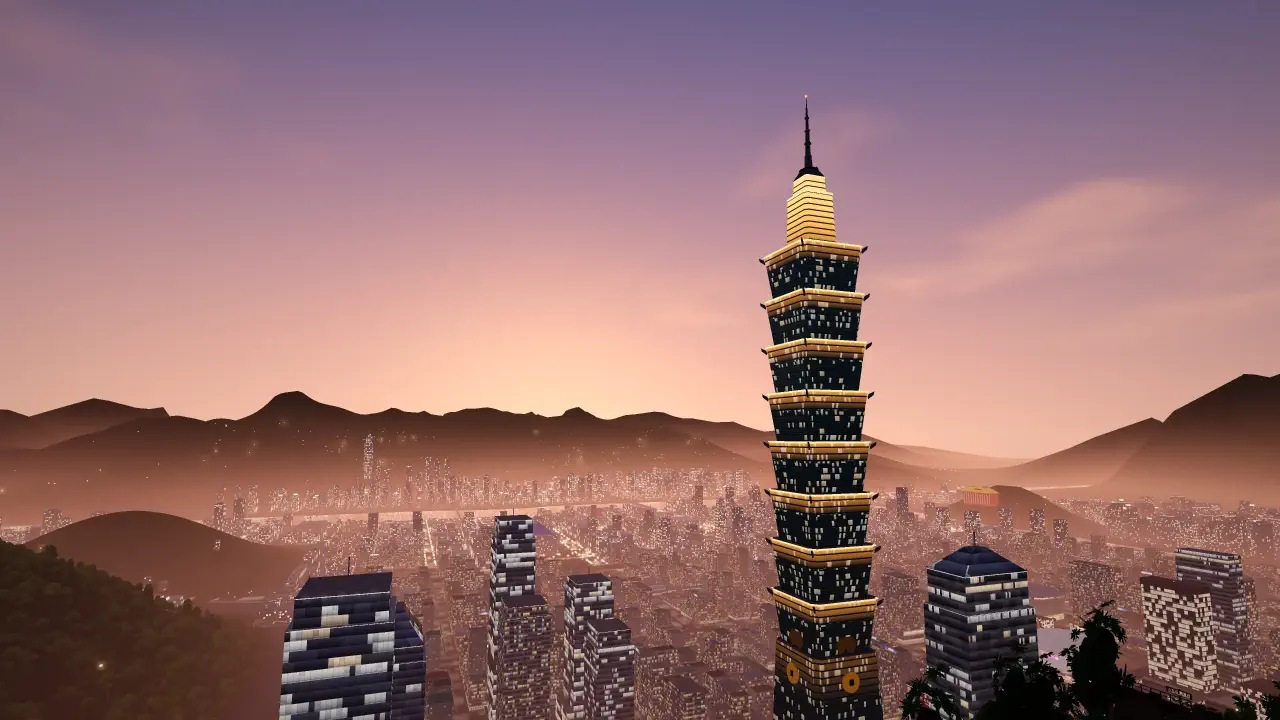
The map is a creative Taipei assembled from the shipped location modules, so the places in it carry real names even where the geography is not literal. Walk 牯嶺街 (Guling Street) past 松森書局 / SONGSEN OLD BOOKS and 牯嶺街小劇場 / GULING ST. AVANT-GARDE THEATRE; visit 霞海城隍廟 / Xiahai City God Temple and eat through 寧夏夜市 / Ningxia Night Market in Dadaocheng; queue at 南機場夜市 / NANJICHANG NIGHT MARKET; or cross the 國立歷史博物館 / National Museum of History and its lotus pond in the botanical garden.
The city guide goes district by district and explains what to practise in each one. The scooter guide covers the part that trips up most new players: braking earlier than feels natural, and using the camera instead of fighting the steering.
Which name did you search for?
People arrive here searching *臺北 GTA*, *台北 GTA* or *TAIPEI GTA*. They all point at one game: 臺北 is the traditional spelling and 台北 the common simplified one, and the build's own title is 《臺北狂飆》, with TAIPEI RUSH as its English name. This site uses the Latin spelling in its URLs so the address stays typeable, and keeps one page per topic rather than one page per spelling.
Pick your next step
- Site About this site Who writes this Taipei GTA guide, why it exists as one page per question, what it is not, how corrections reach it and where to find the answer you want.
- Start here Taipei GTA beginner guide: your first session A first hour in Taipei GTA that actually works: load the build, learn five keys, walk before you drive, set one nearby destination and finish a short trip.
- Exploration Taipei GTA city guide Where to go in Taipei GTA and what to practise: real in-game places like Guling Street, Dadaocheng, Nanjichang and the History Museum, and the MRT between them.
- Contact Contact this site How to reach the independent Taipei GTA guide: one email address, no contact form, what to include in a correction or bug report and how long a reply takes.
- Tool Taipei GTA controls explorer Search every Taipei GTA control by action or key, filter by on-foot, driving or menu, then drill the bindings the shipped build actually uses until they stick.
- Reference Taipei GTA controls Taipei GTA controls in one place: the keys the shipped build binds for movement, vehicles, the map, the in-game phone and the camera, plus the gamepad layout.
- Setup Taipei GTA devices and performance How Taipei GTA runs on each device: keyboard and mouse on desktop, touch controls on a phone in landscape, gamepads, and what to do when the build stutters.
- Developer Who makes Taipei GTA The person behind the Taipei open-world browser game: a solo developer publishing as aicodewithme, what the build ships, and how to follow the project.
- Answers Taipei GTA: frequently asked questions Answers to the questions Taipei GTA players ask most: cost, accounts, phones, controllers, black screens, saving progress and who made the game.
- Legal Privacy policy What taipei-gta.com collects only after you accept, which third parties are involved, what stays in your browser, and how to object or withdraw consent.
- Driving Taipei GTA scooter guide Stop crashing in Taipei GTA: short bursts of throttle, brake before the corner, fix the camera with V, and use Space as a handbrake once turning is automatic.
- Legal Terms of use The rules for using taipei-gta.com: acceptable use, no warranty, why the game's menus are authoritative, who owns what, and how to raise a disagreement.
- Updates Taipei GTA updates Every public Taipei GTA update from the developer's own posts, newest first: map expansion, police car fixes, bug reports, and what is announced next.
Frequently asked questions
Is Taipei GTA free to play?
Yes. The playable browser build costs nothing, needs no account and needs no download. This site never charges for access to it and never puts the game behind a sign-up.
Who made Taipei GTA, and what is it called?
The game's own title is 《臺北狂飆》, with TAIPEI RUSH as its English name, and it is made by an independent developer who publishes as aicodewithme. The build this site describes carries the version 551b5d311e99. Open the official game in a new tab with the button below. This guide stays here; the game cannot run inside this page.
Do I need to install anything?
No. The game runs in the browser. If a page asks you to install a launcher or an emulator, it is not this game — close it and come back here.
Can I play it on a phone?
Yes, and it is best played in landscape. Touch controls replace the keyboard: a virtual stick on the left to move, swipes on the right to look around, and on-screen pedals once you are driving.
What are the basic controls?
W, A, S and D to move, the mouse to look, F to enter or leave a vehicle, M for the map, T for the in-game phone, E to interact and Space to jump on foot or apply the handbrake while driving. The controls page lists the rest, including the touch layout.
How many missions are there?
No fixed number is published in the build: missions register at runtime, so the total depends on the session. Press coverage in late September 2026 reported 93, which is best read as a snapshot of a changing figure rather than a fixed count. Open the phone with T to see what is available now.
Why is the screen black or the game stuck loading?
The build loads its own assets after the page appears and works through named stages, so a black screen for a while is normal on a slow connection. If nothing changes after a couple of minutes, reload the page, close other heavy tabs, or open the game in its own tab.
Is this an official Rockstar game?
No. It is an independent Taipei-themed browser game by the developer who publishes as aicodewithme, and it is not affiliated with Rockstar Games. Open the official game in a new tab with the button below. This guide stays here; the game cannot run inside this page.
You choose the route. Take a friend.
Free, no account, and it loads in the tab you already have open.